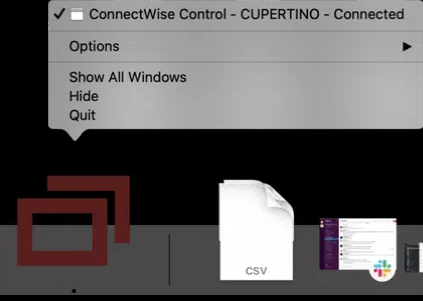
Allow screen recording and accessibility access
Allow screen recording
- Open your Finder apple menu and select System Preferences.
- Click on Security & Privacy.
- Select the Privacy tab and then select Screen Recording.
- Click the lock in the corner of the window to unlock the Privacy settings.
- Select and check the ConnectWise Control client. The name will begin with "connectwisecontrol".

You'll see another window with the option Quit Now. Click Quit Now and the client will automatically restart.
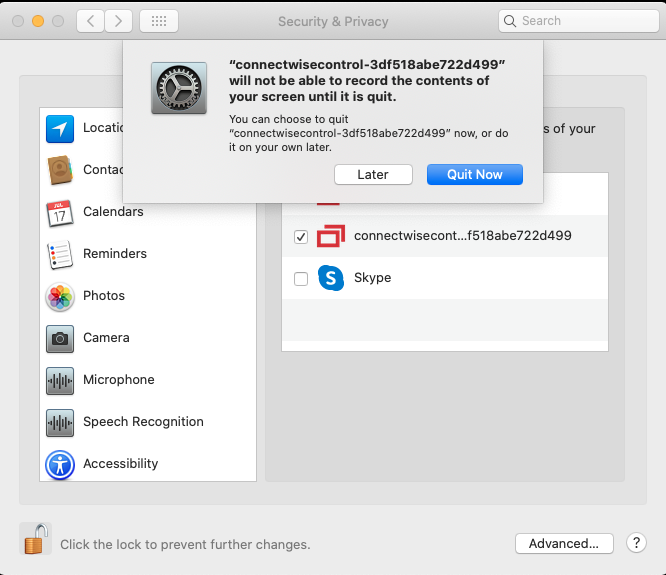
For macOS Big Sur
If you don't see the "connectwisecontrol" client, add it by clicking the plus (+) icon at the bottom of the program list.
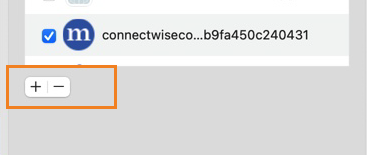
If you don't see the "connectwisecontrol" client, add it by clicking the plus (+) icon at the bottom of the program list.
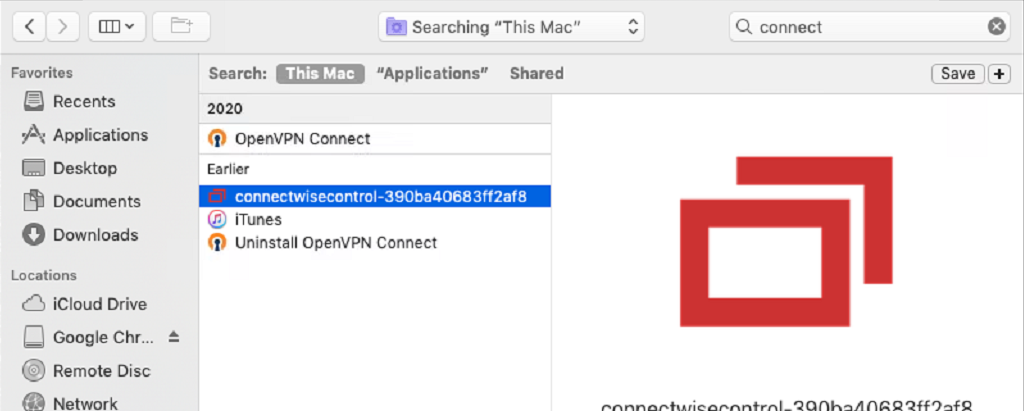
Enter "connect" in the search window in the upper right, and select to search This Mac.
Find and select the line starting with "connectwisecontrol" followed by a series of letters and numbers.
Allow accessibility access
- Return to the large Security & Privacy window and go to the Privacy tab.
- Select Accessibility.
- Click the lock in the corner of the window to unlock the Privacy settings.
- Select and check the ConnectWise Control client. The name will begin with "connectwisecontrol".

When you have finished, click the lock again to prevent further changes, and close the window.
For macOS Big Sur
If you don't see the "connectwisecontrol" client, follow the instructions above to add the connectwise client to the list.