
JS Business Solutions Blog
JS Business Solutions has been serving the Attleboro area since 2012, providing IT Support such as technical helpdesk support, computer support, and consulting to small and medium-sized businesses.

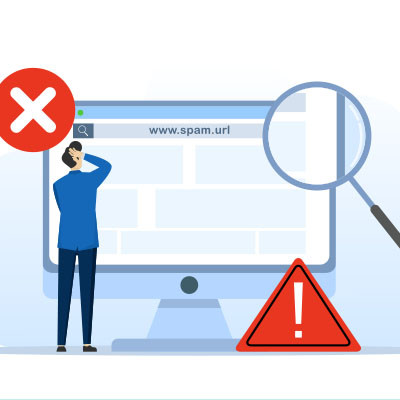
We’re always telling people to avoid clicking on suspicious links, but the bad guys are making it harder to tell the difference between a legitimate URL and a suspicious one. We’re going to try to simplify it for you, and have you focus on the placement of a single punctuation mark in a link to tell if it might be safe or dangerous.
0 Comments
In business, email is one of the tried and true methods of communication. Unfortunately, there are many out there searching to breach a network, whether it be to deploy malware or lie in wait until they have access and cause havoc from within. Regardless of what strategy hackers and scammers use, it is important that users understand what to do to protect themselves and their organizations’ email. Here are some tips to keep in mind.
It’s easy to think of email as something that just works. You open up Outlook or log into Gmail and your mail is there. Most people aren’t even aware of the vast, complex set of systems required for email to even work—and we don’t blame you. It’s extremely complicated.
That being said, if nobody is actively managing your email, providing protection for the underlying technology, and making sure that it was and remains configured properly, it’s possible that your email could be working fine while opening you up for unseen threats.
Have you tried using Enhanced Safe Browsing in your Google Chrome browser? This feature has been a part of the browser since 2019, and it was implemented with the intention of preventing phishing attacks. This feature was also recently added to Gmail. Here’s how you enable it, as well as why it might not be the solution you’re hoping for.
The out-of-office email is a great tool…provided, that is, that it is used to its full potential. Let’s talk about a simple adjustment you can make to the ones you send to ensure they are much more effective, and much less likely to be ignored as a result.
Google is rolling out client-side encryption to Gmail and Calendar, which will allow users to create meeting events as well as send and receive emails that have been encrypted before being sent to Google servers. Client-side encryption will be available to organizations with Google Workspace Enterprise Plus, Education Standard, and Education Plus plans. All other types of Google Workspace accounts and personal Gmail accounts will not get client-side encryption.

During the holiday season, people are out of the office quite often, but unless this is properly conveyed to those reaching out to them, it could look like negligence on the employees’ part. To make sure you are as transparent as possible with your out-of-office time, be sure to set up a message. Here’s how you can do it in Microsoft Outlook.
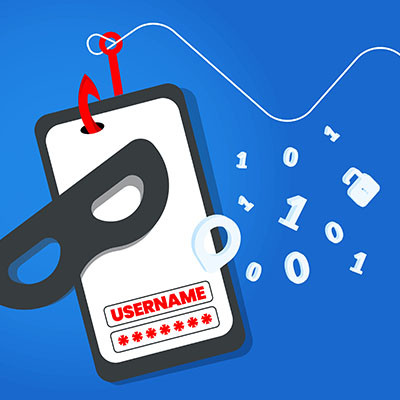
Paypal: Unusual activity suspended your account. For your safety confirm your identity here: [link]
We’re here to tell you, very simply, not to follow links that are in messages like these, and to instead confirm their legitimacy by navigating to the website directly in a new browser.
It doesn’t always take a complicated malware or ransomware attack to break your business. Sometimes it’s as easy as someone sending you an email and pretending they have authority over you. Compromising a business email is one of the most common and easy hacking attacks to pull off, so you should be aware of how to put a stop to it.
Sometimes you have an inbox that is chock-full of emails, but you just can’t bring yourself to delete them. After all, who knows what valuable information could be found in all these messages? The natural solution to keep you from wasting time digging through an inbox day after day just to find important information is to get those messages out of your inbox and into an archive of sorts. Today, we’ll walk you through how to do this for Microsoft Outlook.

Managing your email can be challenging, especially if you are a business owner. We’re sure you get countless emails on a day-to-day basis, and it can be difficult to assign them priority or triage them accordingly. All of this leads to one messy inbox that can get in the way when you need simplicity most. How can you make sure your inbox’s organization is not holding you back from achieving maximum productivity?
While email has remained a major communication tool for businesses for quite some time, a lot of us might still be struggling to keep it organized. Alternatively, a lot of us may have just given up, allowing our inboxes to become a virtual dump of old communications and check-ins.
Fortunately, with a little bit of time now, you can turn your inbox into an organized and useful resource again.
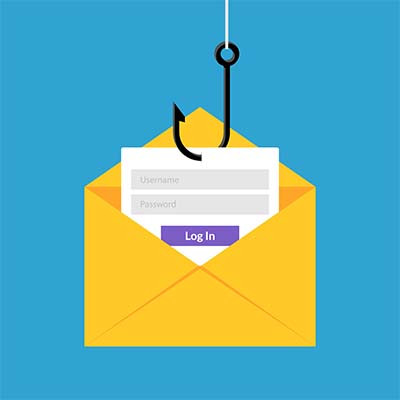
Even the best employees will encounter situations where they might accidentally put your organization at risk due to a phishing attack. What are some of the telltale signs of a phishing scam and how can you tell when you need to be cautious? The subject lines of phishing emails can be indicative of their threat level. Let’s take a look.
All businesses rely on email, but we will admit that it’s not the sexiest technology solution out there. It’s more of a necessity rather than something you might get excited about implementing for your company. Still, this does not lessen its importance, so you should give it the same care you would any other aspect of your business’ IT infrastructure.
As you read this sentence, think about the current state of your email inbox. Is it clean and crisp with only a handful of new emails on a daily basis, or is it an entangled mess filled with hundreds (or even thousands) of unread and often unimportant emails? If it’s the latter, you’re in luck; we’ve got some tips to help you finally get a grip on your email inbox.

For many, working from home has been an adventure. A lot of workers were moved off site during the pandemic and now, a year later, are just now settling into working from home and the new expectations that this brings. People just had no idea how their job would change over the time they are away from their office. Today, we take a look at communications fatigue and what your business can do to help your remote workers from feeling overwhelmed.
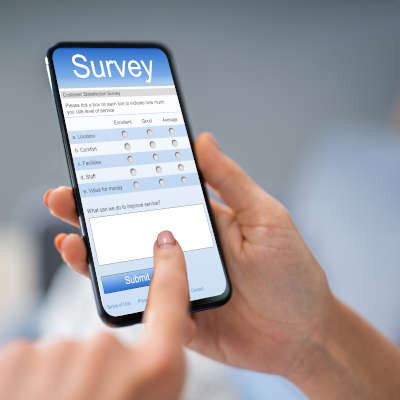
Back in June, Microsoft applied an update to the Microsoft 365 version of their Outlook email platform, adding various features—including one that allows users to run a native poll through their email. Let’s go over how it works so that you can take advantage of this useful utility.
Gmail is a popular option for businesses seeking to use email, one of the business world’s most popular solutions, seeing as it has a 33.7 percent market share. Many of these businesses may have found that they spend more time using Gmail than they would prefer. Fortunately, if this time is spent repeatedly writing the same message, there is a solution: Gmail templates.
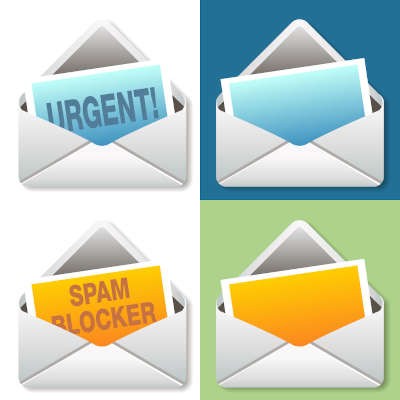
Important Update! Urgent! Expires in 1 Day! Confirm your Email Now! Your Password Has Been Stolen!
This type of messaging is often used in some of the most disarming phishing emails. As a business owner, you and your staff need to be vigilant when it comes to catching these scams.
Email is one of the most common communication tools used by businesses, but not all options are as good as others. For this week’s tip, we’re recommending that you embrace hosted email in your own operations. Here’s why.